To follow city meetings in Bolivar, MO, use the city’s meeting archive for agendas and records, then its official YouTube channel for recordings. Start with the board and meeting date so you know which record you are reading.
You might want to understand a project, hear a discussion, or find out what action followed. Each question calls for a different document. The source paths below were checked in October 2026.
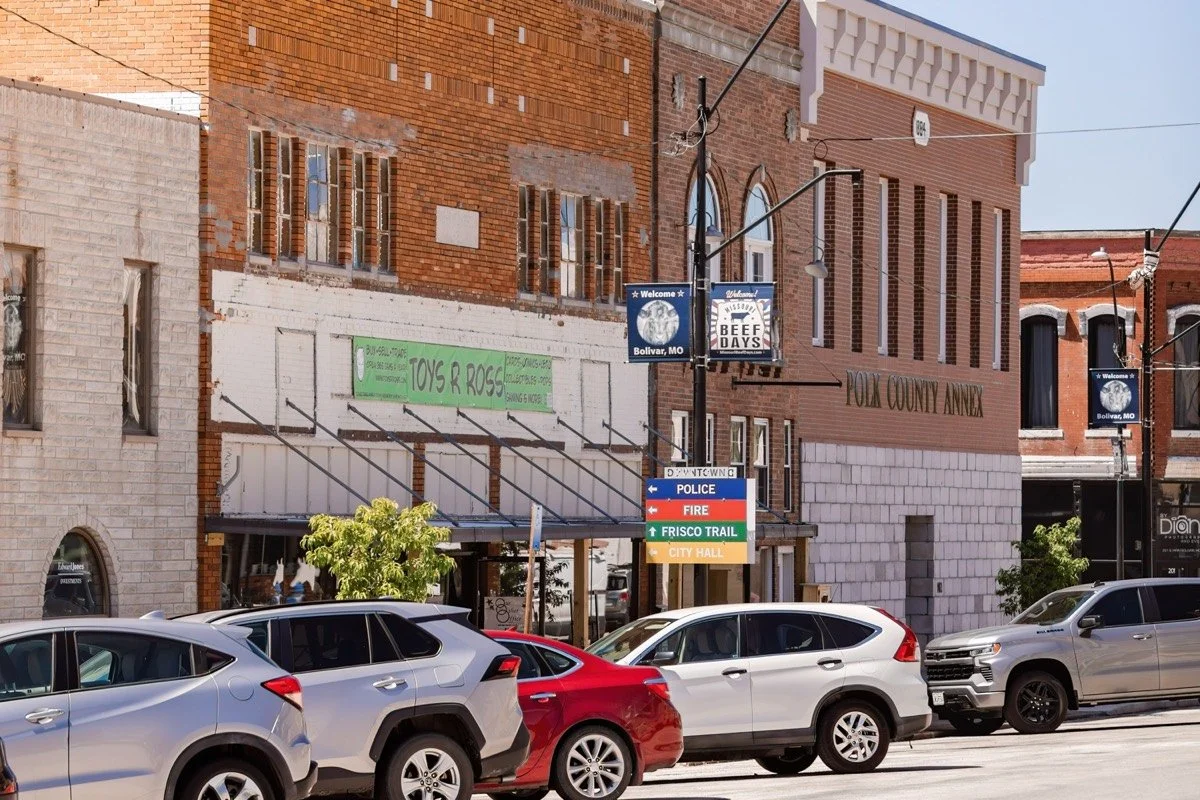
Downtown Bolivar. Use the city’s official archive to follow meeting records.
Choose the right meeting in Bolivar
The City of Bolivar’s Board of Aldermen page links to its agenda and minutes archive. The city describes a mayor and eight aldermen, with two aldermen representing each of four wards.
Its archive also covers other public bodies. Check the Boards, Commissions, Committees filter before reading a result. A Planning & Zoning Commission meeting and a Board of Aldermen meeting can concern related subjects, but they are different meetings.
| Your question | Start here |
|---|---|
| What is planned for discussion? | The meeting’s agenda. |
| What background was supplied? | The packet and its attachments. |
| What did people discuss? | The recording for that date. |
| What action was recorded? | The posted minutes, with their date and approval status checked. |
Match the board, date, and document before drawing a conclusion.
Find upcoming and recent meeting records
The official meeting archive has Upcoming Meetings and Recent Meetings views. It also has date, search, department, and board filters.
For a past discussion, choose Recent Meetings and narrow the board and date. For a coming meeting, use Upcoming Meetings and open the actual listing. Look for the agenda, packet, and any later version attached to that meeting.
An empty result does not establish that the city has no meetings. A date range or board filter can limit what appears. Check your filters and the city’s current listing before planning a visit.
The moving-to-Bolivar checklist covers other local setup steps. Keep the meeting archive for the separate job of following public business.
Watch the city’s recordings
The Board page directs readers to the City of Bolivar, Missouri YouTube channel and says meeting recordings are under its Live tab.
Match the video’s board and date to the agenda you have open. A recording helps you follow discussion; the meeting’s posted records give you another way to check what action appears in writing.
If you are following one item, keep a short note with the meeting date, item name, document link, and video time. That gives you a place to return when a later agenda mentions it again.
Read the packet and minutes for different purposes
An agenda is the plan for a meeting. A packet can include the material supplied for those items. Minutes are the written meeting record. Read each document’s title and status rather than treating all attachments as an approved decision.
If you need a missing record or help finding an attachment, the City Clerk page is the official starting point. Name the board, date, and record you want. This guide explains where to look; it does not set a legal deadline or decide what a particular record means.
For everyday service questions, use the source closest to that service. The Rec Center guide covers recreation access, and the community-resources guide points to local help and groups.
Questions about following city meetings
Where are Bolivar’s meeting agendas?
Start with the city’s official meeting archive. Select the board and date, then open the meeting’s listing and attachments.
Where are meeting videos?
The Board of Aldermen page links to the city’s Missouri YouTube channel. It directs readers to the Live tab for recordings.
Is an agenda the same as a decision?
An agenda lists planned business. Check the recording and posted minutes for what happened at the meeting.
What if the archive shows no results?
Review the date, department, and board filters. Switch between Upcoming and Recent Meetings for the period you need.
Who can help find a city record?
Start with the City Clerk’s official page. Give the meeting date, board, and the specific record you are trying to find.
Choose one meeting to follow. Save its agenda link, check the recording, and return to its written record when you need to understand the next step.